
I decided to update my résumé this week. No, I haven't lost my job, and I'm not actively looking for a new one, but a little while ago I asked people on Mastodon how to acquire practical experience with "cloud stuff" if your job doesn't provide it, and someone suggested …
54
Well, 2020 was quite a year. The COVID-19 pandemic, the killing of George Floyd and the subsequent protests, the Presidential election, the subsequent unfounded accusations of widespread election fraud, and incitement of an attack on the Capitol. Talking about how the year went for me seems incredibly self-centered, but this …
53
Another belated birthday post, and another reminder to myself that I really want to get into the habit of blogging often.
We moved into a house last year, after several years of renting. We like it. It is a little farther away from our jobs than we would like, but …
Menubar Countdown 2.1
Way back in 2009, I released Menubar Countdown 1.0. It's a simple app that displays a countdown timer in the Mac menu bar. I created it because I was experimenting with the Pomodoro Technique and I didn't like any of the other timer apps I tried.
I made a …
LUNAR for C and Rust
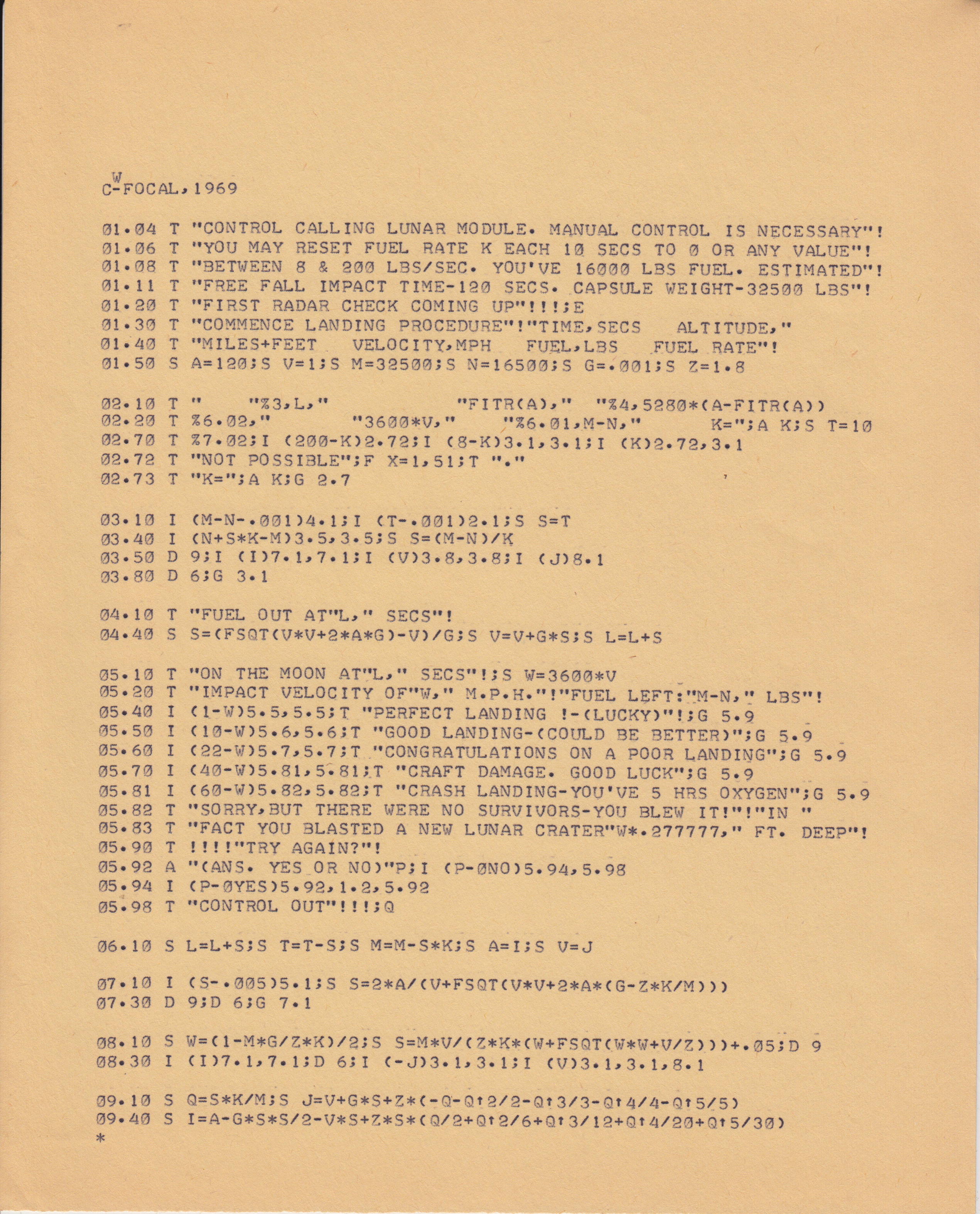
I've written before that my first exposure to computers was a simple text-based "Lunar Lander" game.
Earlier this year I did some research and I found the original LUNAR source code, which is in the FOCAL programming language, and some translations to BASIC.
I decided I needed to port this …
Blitz

Last week we had to say goodbye to our nine-year-old Miniature Schnauzer, Blitz.
She was such a sweet, playful dog. She always had a confused-but-curious expression on her face, and big floppy ears. She always pranced when she walked around outside.
Many mornings, we would wrestle. She would pose in …
TSCP Translated to Rust
A couple of years ago, I wrote My First Chess Program. I wrote it in Swift. It was slow, due more to my lack of knowledge rather than due to any problems with Swift. While I was writing it, I decided not to study any other chess programs, but I …
52
It's been a couple of years since my last birthday post, and I want to get into the habit of blogging again, so here's another intermittently-annual State of the Kris post.
The last year has been pretty good, and the new year has started with some significant changes. I've been …
Review: Coursera's "Applied Data Science with Python" Specialization
I recently completed Coursera's Applied Data Science with Python specialization, and received the accompanying certificate. This is a review of my experience with the online courses.
This specialization is a series of five courses, each of which focuses on some aspect of using Python for data-science applications. Each course is …
Everything on the Internet Is Not Directed at You
The Internet has made it easy for anyone to say whatever they want to say to a worldwide audience. This is great. Some people have decided that if they don't like something that somebody else has posted, it is their right and obligation to insult and attack those people. That's …
Page 1 / 34 »